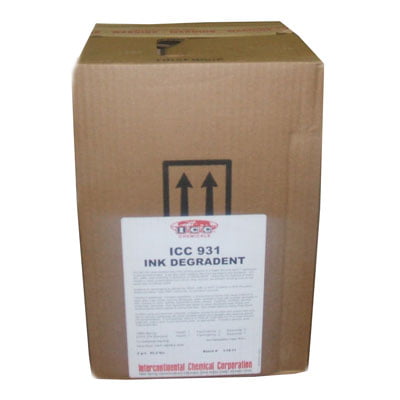
ICC 931 Ink Degradent
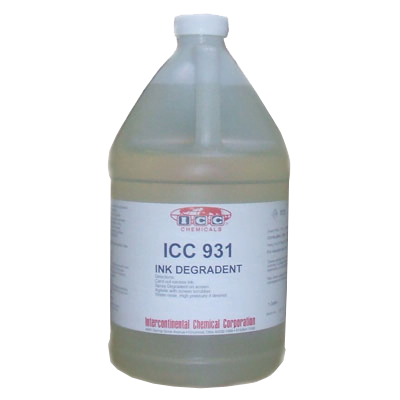
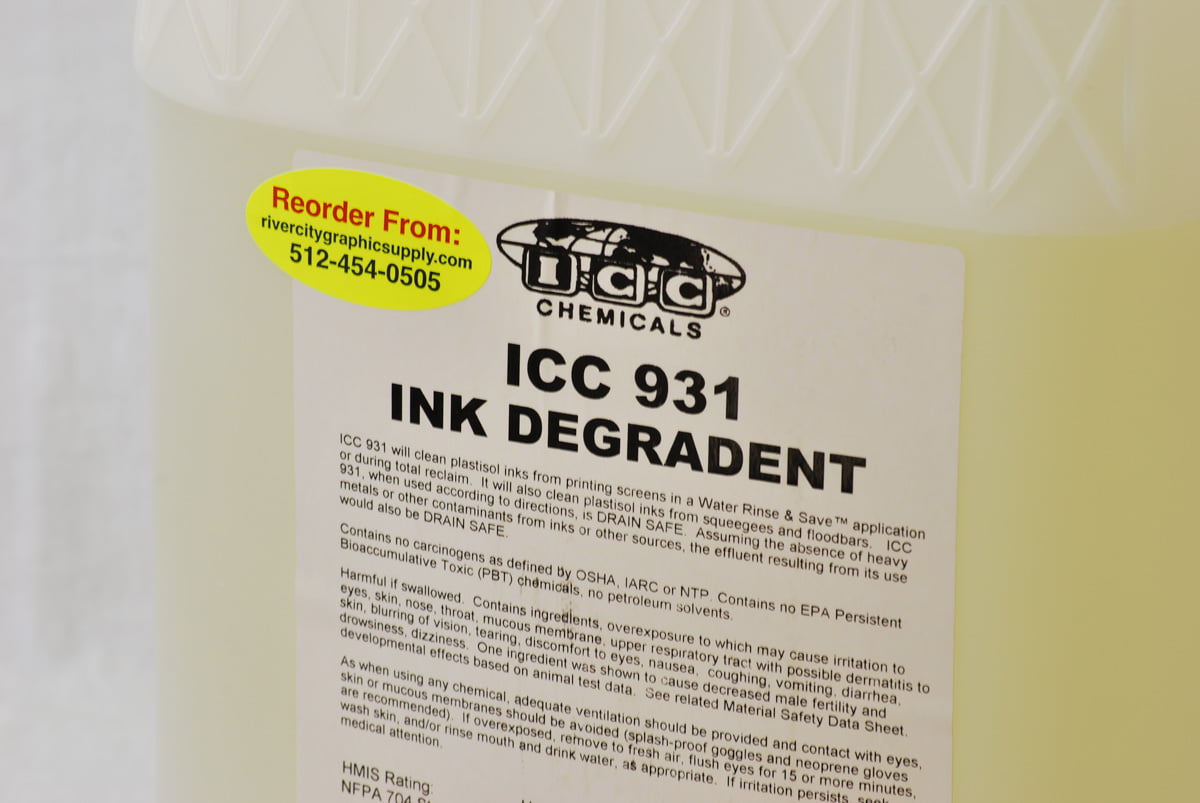
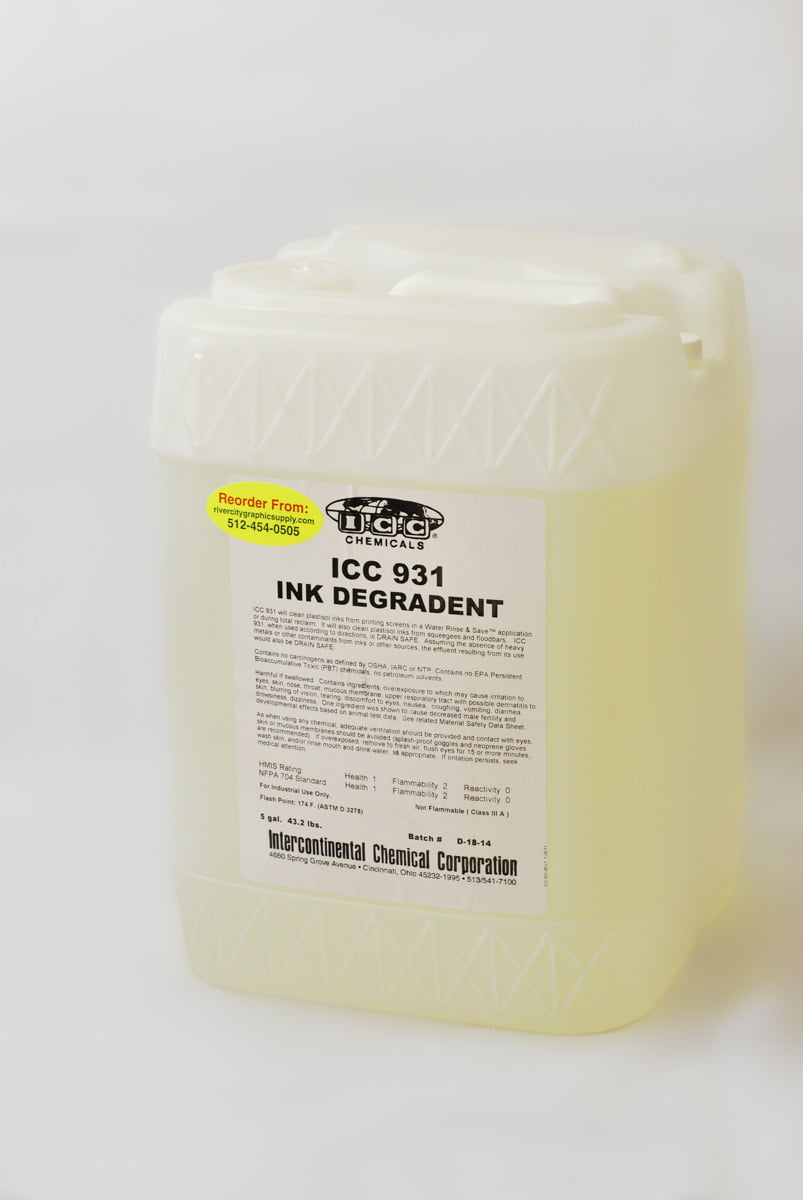
ICC 931 Ink Degradent™ is a highly effective and specialized solution for removing plastisol ink from screens, squeegees, and floodbars. This powerful ink degradent is specifically formulated to dissolve plastisol ink without breaking down the emulsion, preserving the stencil for future use.
$59.99 – $239.99
Description
ICC 931 Ink Degradent Key Features:
- Plastisol Ink Removal: ICC 931 is designed to efficiently remove plastisol ink from screens, making it an essential tool for screen printers working with this type of ink.
- Emulsion-Safe Formula: The unique formulation of ICC 931 ensures that it targets and removes plastisol ink without damaging or breaking down the emulsion, maintaining the integrity of the stencil.
- Versatile Use: In addition to screen cleaning, ICC 931 can also be used to effectively remove plastisol ink from squeegees and floodbars, keeping all your screen printing tools in top condition.
- Time-Saving Solution: ICC 931’s fast-acting capabilities reduce the cleaning time and effort required, allowing screen printers to be more efficient in their daily operations.
- Easy Application: Applying ICC 931 is straightforward, and using a water-soaked brush aids in brushing the solution onto the screen, ensuring thorough coverage and ink removal.
- Safe Handling: When using ICC 931, it is essential to wear gloves and safety glasses to protect against any accidental contact with the solution.
ICC 931 Ink Degradent™ is a reliable and indispensable product for screen printers working with plastisol ink. Its ability to remove ink while preserving the stencil makes it a valuable asset in any screen printing shop. With ICC 931, screen printers can keep their screens and tools clean, allowing for consistent and high-quality printing results.
Technical Specifications
Directions for using ICC 931 Ink Degradent:
- Safety Precautions: Before using ICC 931, ensure you are wearing gloves and eye protection to protect yourself from contact with the solution.
- Application: Begin by applying a sufficient amount of ICC 931 Ink Degradent directly onto the areas with plastisol ink on the screen, squeegees, or floodbars that need to be cleaned.
- Brushing: Take a water-soaked brush and gently brush the ICC 931 solution into the plastisol ink. The water-soaked brush aids in spreading the solution evenly and enhances the effectiveness of the ink removal process.
- Dwell Time: Allow ICC 931 to dwell on the plastisol ink for a minute to break down the ink and make the cleaning process more efficient.
- Agitation (if needed): For particularly stubborn or thick ink deposits, additional brushing or agitation may be required to completely remove the plastisol ink.
- Rinse: After the dwell time and brushing, thoroughly rinse the screen, squeegees, or floodbars with water to remove the dissolved plastisol ink and the ICC 931 solution.
- Repeat (if necessary): Depending on the ink deposit’s thickness or type, you may need to repeat the process to ensure complete ink removal.
- Clean-Up: Once you have finished using ICC 931, make sure to properly clean the brushes and other tools used during the cleaning process.
By following these directions and using ICC 931 Ink Degradent with proper safety precautions, you can efficiently remove plastisol ink from screens, squeegees, and floodbars while preserving the emulsion for future use. ICC 931 makes the ink removal process easier and more effective, allowing you to maintain clean and functional screen printing equipment for optimal printing results.
Technical Sheets / Safety Data Sheets / Documents
Video
Reviews
Only logged in customers who have purchased this product may leave a review.
Reviews