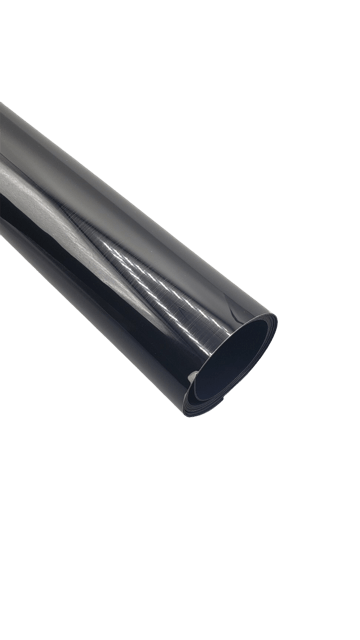
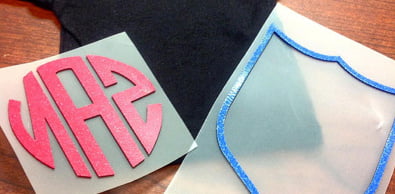
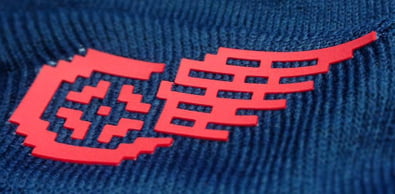

Siser Brick 20” Black Heat Transfer Vinyl
Siser Brick 20” White Heat Transfer Vinyl Key Features:
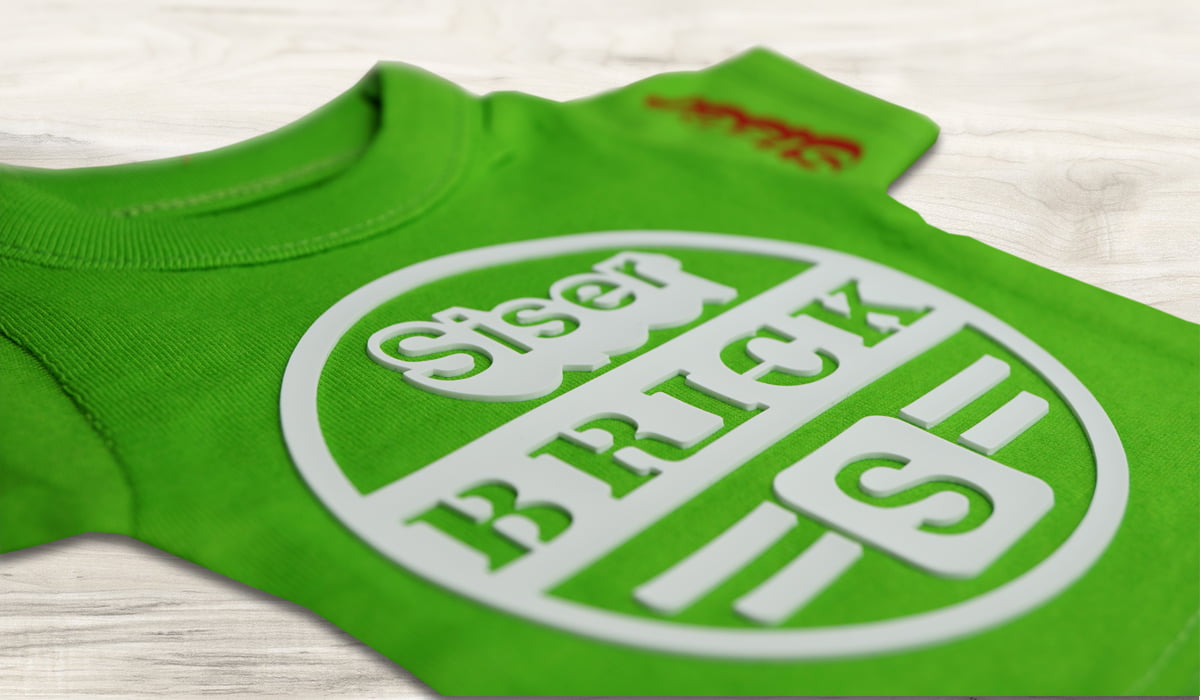
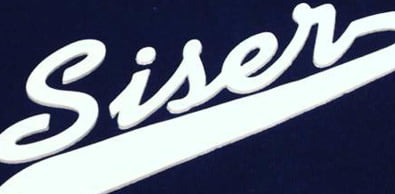
- Dimensional Brilliance: Siser Brick 600 is designed to add a unique depth and texture to your creations, making them stand out with a bold and trendy appearance. Ideal for caps, bags, and left chest logos, it’s a favorite in the sports apparel industry worldwide.
- Matte Finish: The matte finish of Brick 600 provides a modern and stylish look that complements a wide range of apparel and accessories.
- Embossed Look: When used as a base layer and combined with Siser’s EasyWeed® Stretch, Brick 600 gives your designs an embossed effect, ensuring they catch the eye and leave a lasting impression.
- Layerable (Embossed Method): Achieve stunning layering effects with Brick 600, perfect for adding multiple dimensions to your designs. Note that layering is possible when using the embossed method of heat application.
- 600 Microns / 23.6 Mils: With its substantial thickness, Brick 600 delivers durability and long-lasting quality to your designs. Craft with confidence, knowing your creations will look great even after numerous washes.
- PU Composition: Crafted with a high-quality polyurethane (PU) composition, Brick 600 ensures excellent performance and easy application.
When you want to take your designs to the next level, consider the outstanding depth and texture of Siser Brick 600 Heat Transfer Vinyl. Elevate your creative projects and make your designs truly unforgettable. Try it today and experience the difference!
Brick 600 is Layerable only if using the embossed method of heat application.
$62.99 – $115.99
Description
Experience the next level of garment decorating with Siser Brick® 600 Heat Transfer Vinyl – the ultimate solution for adding dimension to your designs, whether they’re thin or thick materials. Crafted by Siser®, this 600-micron thick, flexible heat transfer vinyl is a game-changer for smaller logos and designs, creating a captivating visual and tactile impact on your garments.
Technical Specifications
| Application instructions (home iron) • Set iron dial between Cotton and Linen • Cover design with Kraft Paper or Heat Transfer Cover Sheet • Place on flat, hard surface (ironing board not recommended) • Press iron with medium/firm pressure (do not slide iron) • Press each section of design for 20 seconds • If areas of design lift after application, replace cover sheet and re-press for 10-15 seconds • Peel carrier cold |
Application Instructions (heat press) • Cover design with Kraft Paper or Heat Transfer Cover Sheet • Preheat garment for 2-3 seconds • Apply design at 311°F/155°C • Use medium pressure for 20 seconds • Peel carrier cold |
 |
Cricut: Blade: Standard Setting: Cardstock Light + |
 |
Silhouette Cameo: Blade: Standard, 10 Material: Heat Transfer, Flocked Speed: 4 Force: 33 |
 |
Brother ScanNCut: Blade: Standard, 10 Cut Speed: 1 Cut Pressure: 2 |
 |
Roland GX/GS-24: Blade: 60° Gram Force: 150-190 Offset: .250 Speed: 30 cm/s |
 |
Graphtec: Blade: 60° Force: 11-12 Tool: CB09U+0 Speed: 25 cm/s |
 |
MH, SC2, LP3, and Titan1: Blade: 45°/60° Gram Force: 120-130 Speed: 300 mm/s *Blade Advancing Varies |
 |
Titan 2 & 3: Blade: 45°/60° Gram Force: 100-110 Speed: 300 mm/s *Blade Advancing Varies |
Settings may vary based on blade condition and age of machine. Always perform a test cut prior to cutting designs.
Laundering:
- Wait 24 hours before first wash
- Machine wash cold / mild detergent
- Dry on normal dryer setting
- Do not dry clean
Technical Sheets / Safety Data Sheets / Documents
Video
Reviews
Only logged in customers who have purchased this product may leave a review.
You May Also Like
Related products
-

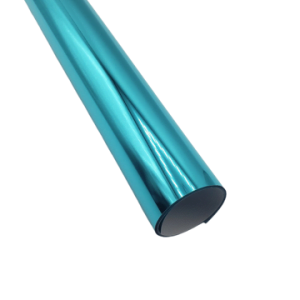
River City 20” Turquoise Foil Heat Transfer Vinyl – Metallic Brilliance
$12.00 -
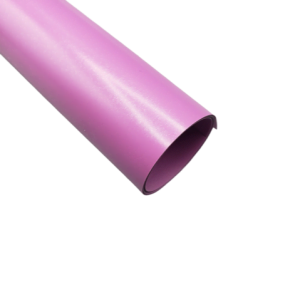
Siser Easyweed 15” Stretch Bright Orchid Heat Transfer Vinyl – Thin and Flexible HTV
$10.99 -
Siser Easyweed 15” Stretch Coffee Heat Transfer Vinyl – Thin and Flexible HTV
$10.99 -
Sale!
River City 18” Hearts Pattern Heat Transfer Vinyl
Original price was: $16.00.$14.00Current price is: $14.00.

Reviews