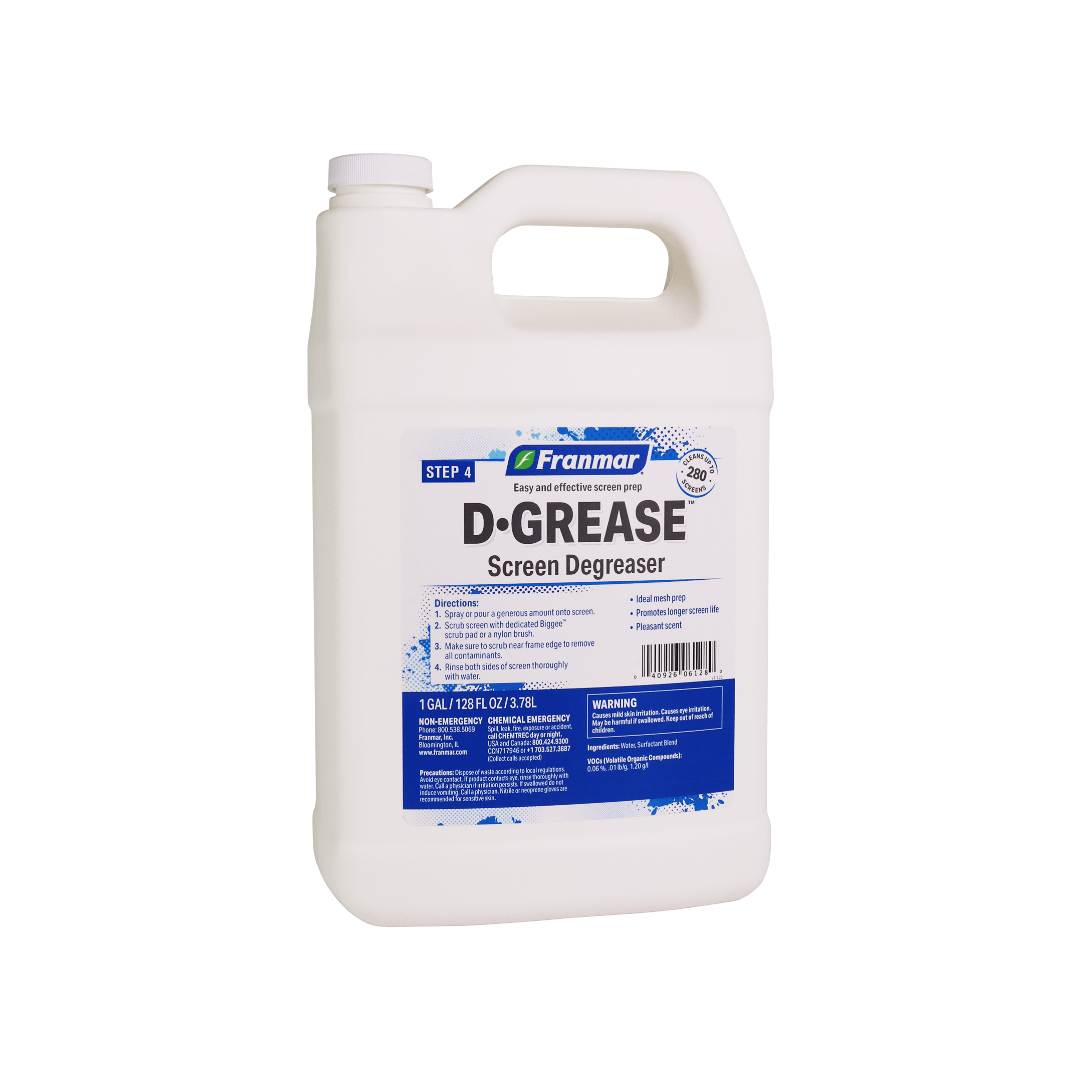
Franmar Screen Degreaser: D-Grease
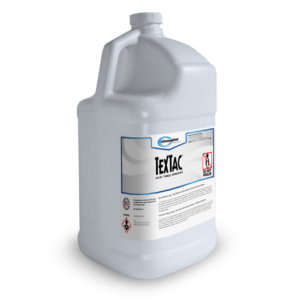
Franmar Degreaser is a versatile and fast-drying formula that plays a crucial role in screen preparation before emulsion coating. Designed to prevent the occurrence of “fish-eyes,” this degreaser ensures a smooth and even surface for optimal emulsion adhesion.
$11.99 – $23.99
Description
Franmar Screen Degreaser D-Grease Key Features:
- Great Mesh Prep: Franmar Degreaser effectively removes dirt, oils, and contaminants from the mesh, providing a clean canvas for the emulsion application. It ensures proper bonding between the mesh and the emulsion, enhancing the durability and longevity of your screens.
- Promotes Longer Screen Life: By eliminating impurities and residues, this powerful degreaser helps extend the life of your screens. It ensures consistent results and reduces the risk of imperfections in your prints.
- Pleasant Scent: Unlike many traditional degreasers, Franmar offers a refreshing and pleasant scent, making the screen preparation process more enjoyable for the user.
- Alcohol-Free: Franmar Degreaser is alcohol-free, making it a safer and eco-friendly option compared to harsher chemical alternatives. It’s gentle on screens and won’t cause damage or deterioration over time.
- Great Multi-Surface Degreaser: Not limited to screens alone, this versatile degreaser is suitable for various surfaces in your screen printing setup. Whether it’s pallets, squeegees, or other equipment, Franmar Degreaser ensures proper surface preparation for top-notch printing results.
- Revives Stickiness of Water-Based Pallet Adhesives: Along with its mesh preparation properties, this degreaser also revives the stickiness of water-based pallet adhesives, ensuring your substrates remain securely in place during printing.
With Franmar Degreaser, you can confidently achieve outstanding screen preparation, enjoy smooth emulsion application, and enhance the overall print quality. Its reliable performance and eco-friendly formulation make it an essential tool for screen printers seeking excellence in their craft.
Technical Specifications
Directions:
Do not get Haze Remover Gel on the glued portion of the screen as it will remove glues and adhesives.
1. On a dry or slightly damp screen, spray or pour a minimal amount onto screen.
2. Scrub screen with a dedicated Biggee pad, or nylon brush.
3. Repeat on back of screen image. For tough to clean haze images, let sit for up to 2 minutes before cleaning.
4. Clean both sides of screen with a shop towel or pressured water.
Note: For best results, be sure to dehaze screens every time after reclaiming. Use a separate degreasing step after dehazing when working with high mesh counts (380 or more), halftones, and costly films.
Usage Tips from the Pros:
- Use each time immediately after emulsion or stencil removal so ghost/haze will not set in the screen.
- Great for removal of small areas of locked in emulsion.
- Use Franmar’s Screen Degreaser to remove any residue.
- An hour or longer may be necessary for older haze/ghost images, but Haze Remover Gel will not weaken or damage mesh.
pH Level: 8.1
VOC (Volatile Organic Compounds): <49%, 4.24 lb/g, 507.45 g/l
Technical Sheets / Safety Data Sheets / Documents
Video
Reviews
Only logged in customers who have purchased this product may leave a review.
Reviews